
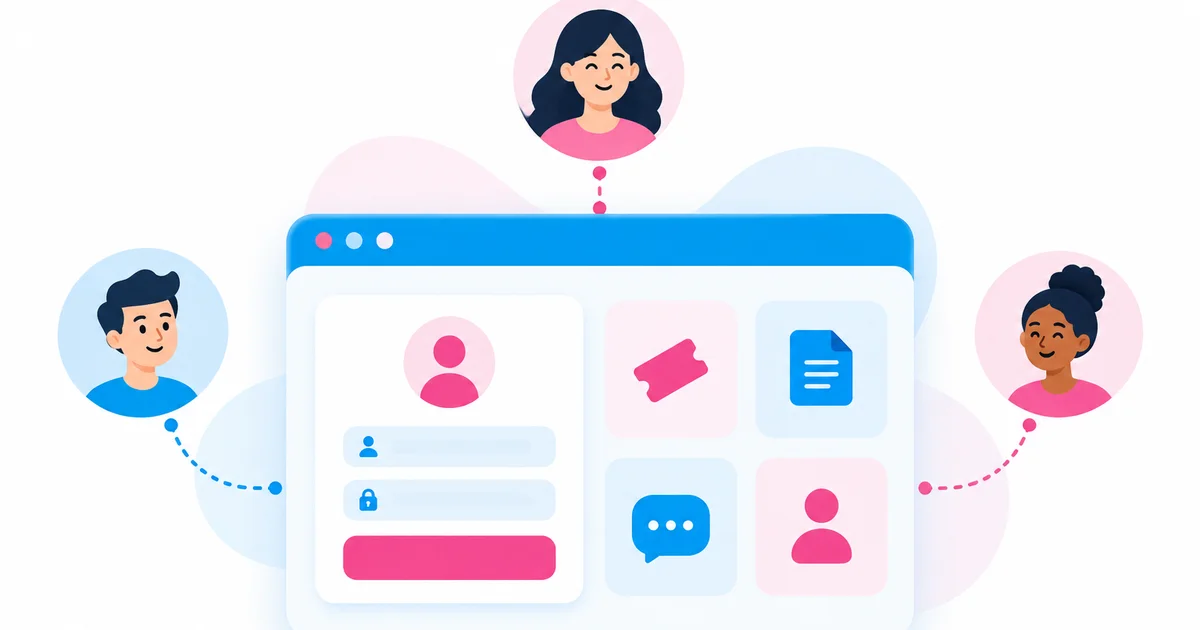
A Salesforce customer portal is a secure, branded website where your customers log in to see and update their own information, straight from your Salesforce data. You build it with Experience Cloud. Getting it right comes down to three choices: who the portal is for, which licence they need, and exactly which records each user is allowed to see.
Key takeaways
It’s a website your customers sign in to, connected live to your CRM. They can raise and track cases, check orders, download documents, update their details or search help articles, all without emailing your team. Because the portal reads straight from Salesforce, there’s no copy of the data to keep in sync. If your support team already works cases in Service Cloud, customers see the same case your agent is looking at.
Partner portals work the same way for resellers, brokers or installers. Instead of cases, they usually register leads, update deals and grab sales collateral. Some businesses run an internal hub for staff too. Same platform, different audience.
Yes. Salesforce renamed Community Cloud to Experience Cloud in September 2020, as part of its Digital 360 announcement. You’ll still see ‘community’ all over Setup and in the licence names, which confuses people. Sites are built in Experience Builder, and the underlying feature is called Digital Experiences.
If you want the wider product overview first, have a look at our Experience Cloud services page. This guide is about the practical decisions.
This is the decision we’d make first, because it sets the limits for everything else. Salesforce’s Experience Cloud user licence guide lists the main options:
You can mix licence types on one site. A common pattern is Customer Community for most users and a handful of Plus licences for the customer contacts who need reporting.
Every licence comes in two flavours. A member licence covers one named user for unlimited visits. A login licence is charged per visit, and Salesforce suggests it for infrequent users or an unknown user count. If someone logs in twice a year to download an invoice, login licences are usually cheaper. If they’re in there every day, member wins.
For a sense of scale, Salesforce’s UK self-service pricing page currently lists a Service Portal licence at £3.20 per login (a 24-hour session) or £8 per member, with Agentforce and Data 360 queries included during the session. Partner licences cost more, and list prices change, so treat these as a starting point and get a quote for your mix.
Don’t forget the build itself. The licence is often the smaller cost compared with design, configuration, integration and testing.
List the five or six things customers will actually do in it. ‘Raise a case and see its status’ is a job. ‘Improve engagement’ isn’t. This list drives the licence, the template and the data model.
Customers will see your records for the first time, typos and all. Duplicate contacts, old addresses and half-filled cases become very visible. If your org needs a tidy-up, it’s worth doing a Salesforce health check before anyone outside the business logs in.
Salesforce offers several Experience Builder templates. Customer Service suits help centres with cases and knowledge. Customer Account Portal lets customers view invoices and update account details. Partner Central handles lead distribution and deal registration. Build Your Own (LWR) is the fastest-loading option, but it needs developers who are comfortable with Lightning web components.
Decide which accounts, cases, orders and files each type of user can see, then build it with profiles, permission sets, sharing sets and sharing rules. This is the step that keeps one customer from seeing another customer’s data, so it deserves the most time.
If order history lives in your ERP or invoices sit in a finance system, the portal needs that data too. Plan the Salesforce integration work early, because it often sets the timeline.
Log in as a test customer, a test partner and a guest. Try to see things you shouldn’t. Then open the portal to a friendly group of customers and fix what confuses them before the full rollout.
Public pages need extra care. Under Salesforce’s guest user security policy, enforced since Winter ’21, guest users have private org-wide defaults on every object, can only get read-only access through guest user sharing rules, and can’t own the records they create. Those rules help, but they don’t stop a badly written Apex class running without sharing from exposing data. Review any custom code that guest users can reach.
For logged-in users, the risk is usually a sharing rule that’s broader than anyone realised. Test with real user accounts, not as an admin.
Yes, and this is where portals are heading. Since Summer ’26, Agentforce Orchestrator can route site conversations to the right AI agent or service workflow (Enterprise and Unlimited editions, at extra cost). Our guide to planning your first Agentforce agent covers what to get ready before you put one in front of customers.
One honest note. An AI agent on a portal with messy data and loose sharing just gives wrong answers faster. Sort the foundations first.
Customers use a portal when it’s quicker than phoning you. Keep the first version small, put the most common job on the home page, and tell people it exists in every case email. The principles behind better Salesforce user adoption apply to customers as much as staff.
Thinking about a customer or partner portal? Get in touch and our Salesforce consultants will help you choose the licences and map out the build.
A Salesforce customer portal is a secure, branded website where customers log in to raise cases, check orders, download documents or update their details. It’s built with Experience Cloud and reads directly from your Salesforce data, so there’s nothing to sync.
Yes. Salesforce renamed Community Cloud to Experience Cloud in September 2020. Many licence names and Setup screens still use the word ‘community’, but it’s the same product.
Customer Community suits large numbers of consumers who mainly need cases and knowledge, and it has no roles. Customer Community Plus adds reports, dashboards and standard sharing, so it suits business customers with several contacts per account.
Member licences suit people who use the portal regularly, because one fee covers unlimited visits. Login licences are charged per visit and suit occasional or unpredictable users. Many portals use a mix.
A straightforward case or knowledge portal on a standard template usually takes weeks, not months. Partner portals, custom LWR builds and integrations with other systems take longer, and the sharing model and testing are what usually set the pace.