What Is a Salesforce Health Check? What’s Covered, and When You Need One
A Salesforce health check reviews your org's security, data, automation…

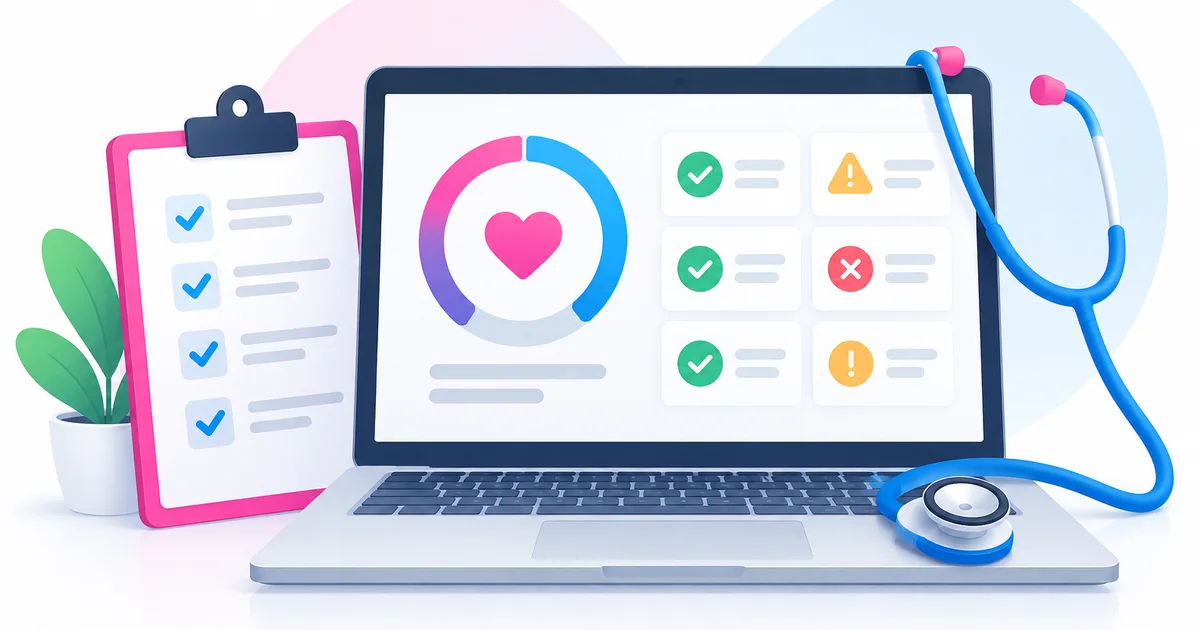
A Salesforce health check is a structured review of your Salesforce org that covers security, data quality, automation, customisation, integrations and user adoption. It ends with a prioritised, plain-English list of what to fix. It’s broader than Salesforce’s built-in Security Health Check, which only scores your security settings.
Key takeaways
Hardly anyone books a health check because things are going well. They book one because something feels off. Reports nobody trusts. Saves that hang for a few seconds too long. An org that’s grown in ten directions since go-live, built by admins who’ve since moved on. Sound familiar? Here’s what a proper health check looks at, and how to tell whether you need one.
No, and the similar names cause a fair bit of confusion. Salesforce includes a free tool called Security Health Check in Setup. It compares your security settings, such as password policies and session settings, against the Salesforce Baseline Standard, gives you a score out of 100 and lets you fix some risks in one click (Salesforce Developers; Trailhead). Every admin should run it. It takes minutes.
That’s all it does, though. It won’t tell you that three flows are updating the same field, that your contacts are riddled with duplicates, or that the sales team have quietly drifted back to spreadsheets. A full org health check looks at the whole system and at how people actually use it.
Two other tools come up a lot. The free Salesforce Optimizer app, which many admins used for a quick review, was retired on 1 June 2026 (Salesforce Help). Salesforce Labs’ free Org Check app is handy for spotting technical debt, but it isn’t an official Salesforce product (Org Check). We treat it as a starting point for an expert, not a replacement for one.
Every org is different. Even so, we’d expect a thorough review to cover these seven areas.
Start with the Security Health Check score, then go further: profiles and permission sets, who can see or export sensitive data, inactive users still holding paid licences, and login and session policies. Over-generous permissions are something we find again and again, usually because access was granted in a hurry and never taken away.
Duplicates, half-filled records, picklists with five spellings of the same value and fields nobody has touched in years. Bad data hurts your reporting now. It hurts more later, because AI tools such as Agentforce, and platforms like Data 360 (formerly Data Cloud), are only as good as the records underneath them. If the clean-up grows into a full move, here’s when data migration is required and how to time it.
How many flows, code triggers and legacy automations fire on each object, and whether any of them fight each other. Workflow Rules and Process Builder reached end of support on 31 December 2025 (Salesforce Help). If you’ve still got any running, moving them to Flow belongs near the top of your list.
Unused fields, page layouts and reports. Hard-coded IDs and URLs. Custom code with no tests and no documentation. Then there’s the slow creep of formula fields and validation rules, which can drag down every single save. We’ve covered formula and validation rule sprawl in a separate post.
What’s connected, which user each integration runs as (ideally not a named employee who might leave), how errors are handled, and whether anything relies on old API versions or tools that are being retired. We’ve written up the common Salesforce integration challenges we see most.
Who logs in, which features get used and where people work around the system rather than in it. The biggest wins here are often small and cheap: tidier page layouts, better list views, fewer required fields. Our guide to improving Salesforce user adoption goes into more depth.
Salesforce ships three major releases a year and retires features on a published schedule. A good health check flags anything in your org that’s affected while you still have time to plan, rather than on the day it breaks.
A health check is only worth having if it changes what you do next. From a good one, expect:
Be wary of a huge report full of screenshots and no priorities. That’s an inventory, not a health check.
If a couple of these ring true, it’s probably time:
For most small and mid-sized orgs, the review itself takes days rather than weeks. It takes longer if you run several clouds, lots of integrations or plenty of custom code.
Our view is simple. Have a full review once a year, plus one before any major project or a change of support partner. In between, ask your admin to run the built-in Security Health Check after each Salesforce release. It’s free and quick, and it catches settings drifting before they become a risk.
We’re a UK Salesforce partner, and we offer free health checks to organisations that want an honest, independent look at their org. You’ll get a clear, prioritised report in plain English, with no obligation to use us for the fixes. If you’d like help afterwards, our Salesforce support packages and Focus & Fix service pick up where the report leaves off, and Complete Care managed support covers the day to day. Get in touch to book yours.
A Salesforce health check is a structured review of your Salesforce org covering security, data quality, automation, customisation, integrations and user adoption. It ends with a prioritised list of findings and recommendations, so you know what’s at risk and what to fix first.
No. Salesforce’s Security Health Check, found in Setup, scores your security settings against the Salesforce Baseline Standard on a scale of 0 to 100. It’s free and useful, but it doesn’t review data quality, automation, technical debt or adoption. A full org health check does.
For most small and mid-sized orgs, the review takes days rather than weeks. Orgs with several clouds, many integrations or a lot of custom code take longer. At the end you should get a written report with prioritised recommendations.
Once a year is a sensible baseline, plus before any major project, a change of support partner or a move into AI features such as Agentforce. Admins should also run the built-in Security Health Check after each of Salesforce’s three major releases a year.
No. Apex Infinity Solutions offers free Salesforce health checks. You get a plain-English, prioritised report, and there’s no obligation to use Apex for the recommended fixes.